Skip to content
New AI virtual try-on for fashion retailers

See it on you before you buy.

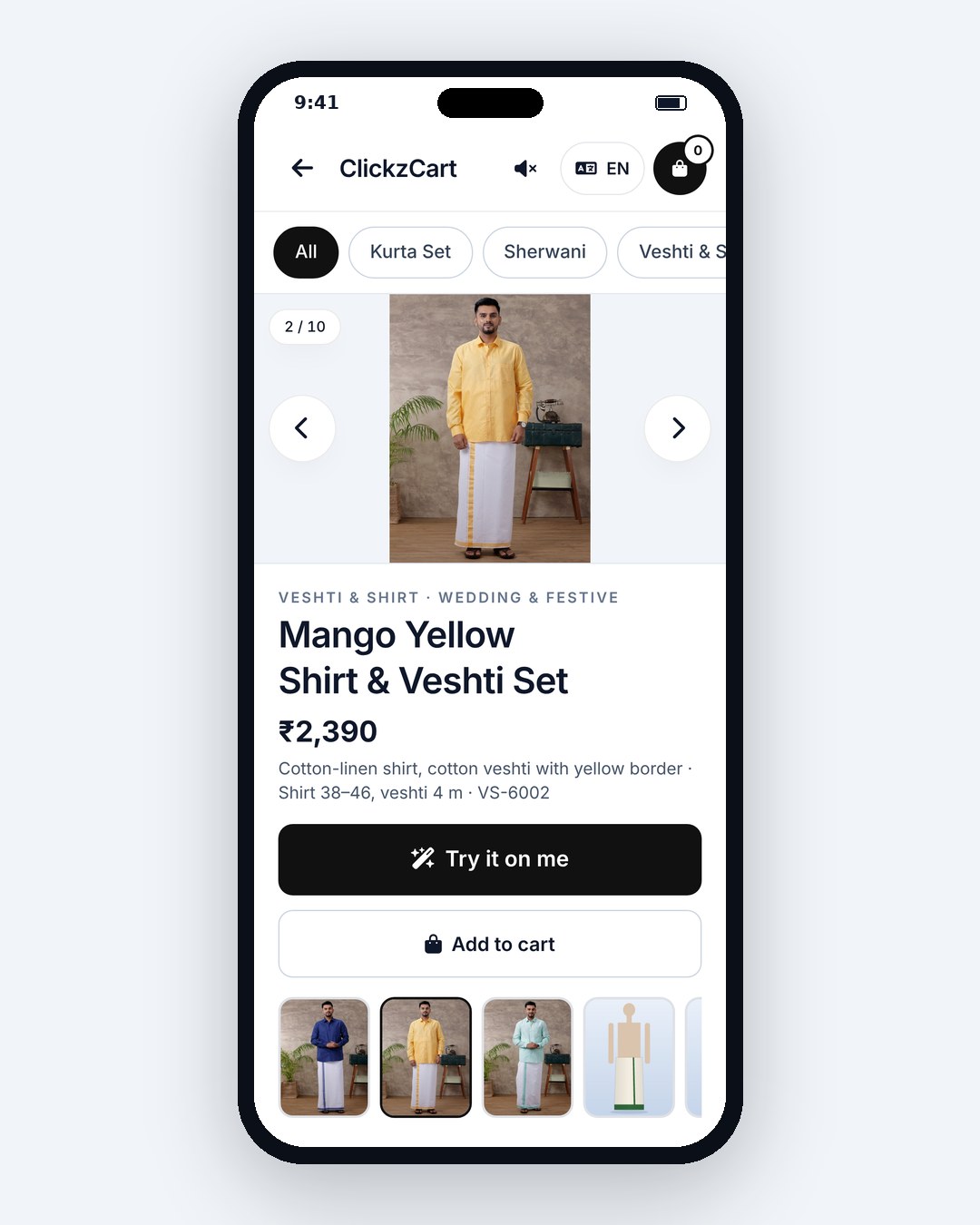
Shoppers take one photo and see themselves in any saree, kurta, veshti, lehenga, jeans or kids' outfit, in store, on your website or in your app.

See how it works
Kiosk · Website · App · QR hand-off
Your looks EN · தமிழ்
AI Bridal Velvet Lehenga Look 2 of 4 · swipe
Add to cart
Kanchi Silk Saree
Try-on
Saree · ready in 8s
12 languages
தமிழ் العربية हिन्दी
Add-to-cartPilot
+34%
Illustrative pilot uplift vs. no try-on
Scan to get your looksSaved to your phone
Garment types
20+
Languages incl. RTL
12
Typical result time
seconds, not minutes
Shopper photos
auto-deleted in 24h
The fitting-room problem

Shoppers can't picture it.

A six-yard saree folded on a shelf. A kurta on a hanger. A lehenga in a 600-pixel photo. When people can't see how it looks on them, they hesitate, guess, or walk away.

Online returns
20–30%

Typical return-rate range often cited for online fashion, with fit and "not how I imagined it" among the top reasons.

Abandoned carts
~70%

Average e-commerce cart abandonment widely reported in industry studies. Uncertainty about the look is one of the quiet drivers.

In store
Queues

Weekend trial rooms fill up, and draping a saree takes time. Many shoppers leave before trying the third or fourth option.

Figures are broad industry ranges for context only. They are not measured results of Try-On Studio.

The promise

Turn maybe into mine.

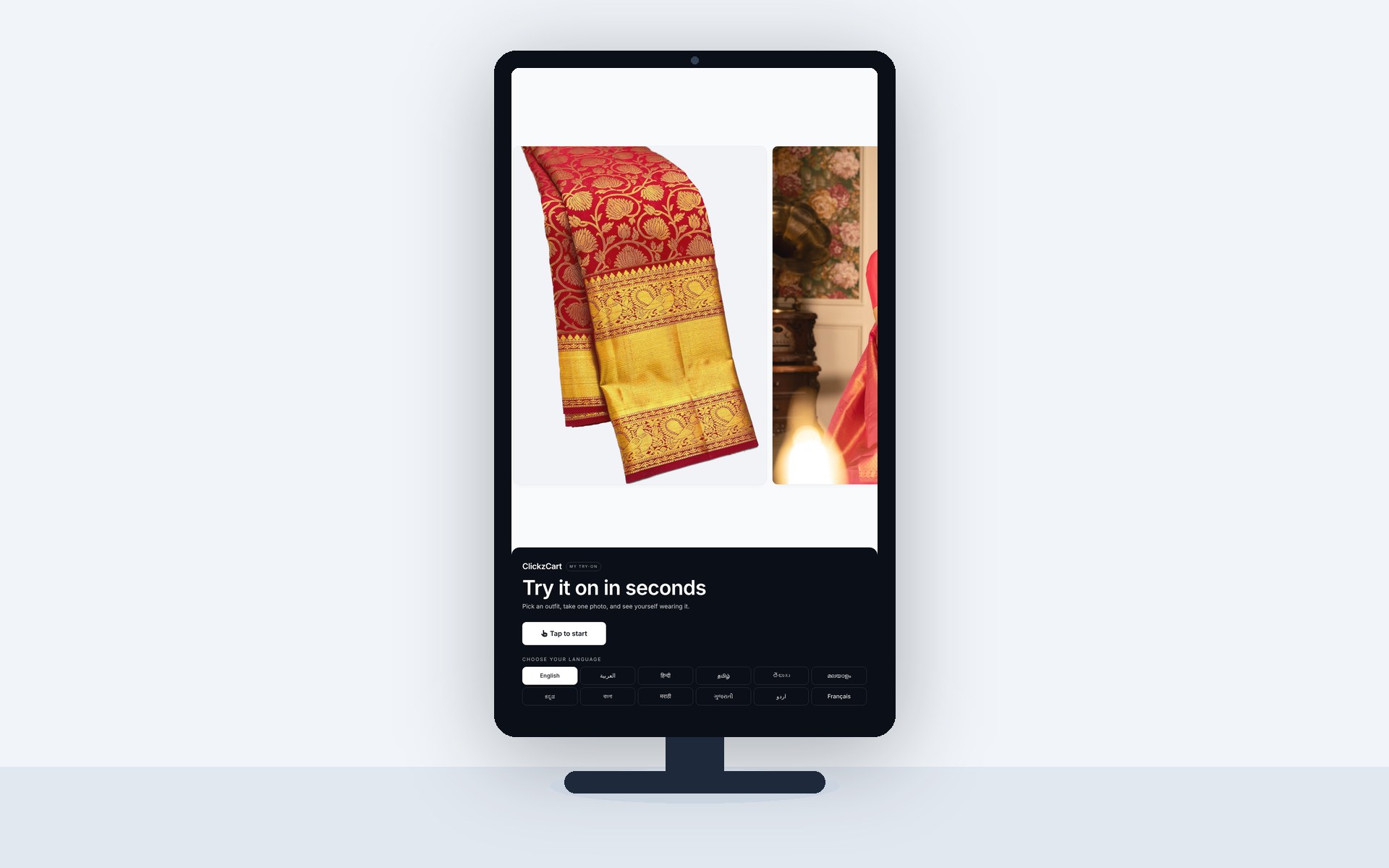
Try-On Studio puts a photoreal preview of the shopper wearing your product right where the decision happens, at the rack, on the product page and in your app.

See the drape, colour and fit

On their own photo, in seconds.

Add to cart with confidence

Fewer "wrong look" surprises.

Trial rooms without the wait

Try ten looks while one is being draped.

How it works

From hanger to “that’s me” in four steps.

The same flow runs on a store kiosk, inside your product pages and in your mobile app.

Choose an outfit
WomenMenGirlsBoys
Try it on
Step back · full body in frame
3
Voice · தமிழ்
Creating your look
AI
Draping your saree…≈ 8s
Gemini→OpenAIfallback
Your looks3 of 3
Lehenga
Add to cart
Step 1 of 4Choose an outfit
  1. 01

    Choose an outfit

    Browse the rack on the kiosk, tap “Try it on” on your product page, or scan a tag in store.

    KioskWeb buttonQR on tag
  2. 02

    Guided photo

    A friendly voice and on-screen frame help shoppers take one full-body photo, in their own language.

    Voice guidePose frameConsent first
  3. 03

    AI try-on in seconds

    We route to the best model for the garment and fall back automatically if one is slow or busy.

    Model routingAuto-fallbackGarment-aware
  4. 04

    Swipe, add to cart, scan QR

    Compare looks side by side, add favourites to the cart, and take them home with a QR code.

    Swipe looksAdd to cartQR hand-off
Built for every wardrobe

From pattu pavadai to blazers.

Draped, stitched, tailored or tiny. Try-On Studio understands how each garment type falls, so a saree drapes like a saree and a sherwani sits like a sherwani.

Women
Drape & detail

Silk borders, pleats and pallu placement, rendered on the shopper.
Platform

Everything a retailer needs, nothing a shopper notices.

AIModel routing

Top AI models, automatic fallback.

Every request goes to the best model for the garment and quality tier. If a provider is slow or down, we retry on the next one, so shoppers never see a spinner forever.

OpenAIprimary · premium
fallback on timeout
Geminifast · standard
fallback on error
Kling via falgarment specialist

12 languages, RTL & voice guide

Shoppers pick a language on the first screen. Layouts mirror for Arabic and Urdu, and the voice guide speaks along.

Englishதமிழ்हिन्दीالعربيةతెలుగుമലയാളംಕನ್ನಡবাংলাमराठीગુજરાતીاردوFrançais

Kiosk, website & app

One catalogue, one dashboard, every channel.

Privacy by design
Consent first. Photos auto-delete after 24h.

No shopper accounts required. Nothing used for model training.

Analytics that merchandisers use

Sample data
Try-ons
4,812
Add-to-cart
27%
Top product
Kanchi silk saree

Multi-store & team roles

Owners, managers and staff, each with the right access.

ARMKSV
3 stores

Brand theming

Your logo, colours and voice on every screen.

Try it on
Integrations

Live in an afternoon.

Drop one script on your store, open a WebView in your app, call the REST API, or turn any screen into a kiosk with a single command.

Shopify WooCommerce Magento Flutter React Native iOS Android

1. Add the widget once, before </body>.

theme.liquid / footer.php
<script src="https://api.clickzcart.com/embed/widget.js" data-key="pk_live_..."></script>

2. Put a button on any product page.

product template
<button data-clickz-tryon data-sku="KJ-1042">Try it on</button>
Pricing

Start free. Grow when it works.

Every account starts on Free. Upgrade any time from your portal.

Loading plans…
FAQ

Good questions.

Still curious? Ask our assistant in the corner, or write to sales@clickzcart.com.

What happens to shopper photos?
Shoppers give explicit consent before the camera opens. Photos and results are encrypted in transit, used only to create their try-on, and deleted automatically after 24 hours. We never use them to train models.
Which garments are supported?
Sarees, lehengas, salwar suits, kurtis, gowns, kurta sets, sherwanis, veshti and shirt, shirts, T-shirts, blazers, jeans and trousers, plus kids' frocks, pattu pavadai and kurta sets. New types are added regularly.
Which languages does it speak?
Twelve: English, Tamil, Hindi, Arabic, Telugu, Malayalam, Kannada, Bengali, Marathi, Gujarati, Urdu and French. Arabic and Urdu use a right-to-left layout, and the voice guide speaks the chosen language.
How long does setup take?
Most stores are live the same day. Import your catalogue (CSV or from your store), paste the widget script, and you're done. Kiosks take about 15 minutes with the installer.
What hardware do I need for a kiosk?
A portrait screen (32 inches or larger works well), a 1080p USB camera and any small PC that runs a modern browser. A tablet on a stand also works for small stores.
How accurate are the results?
Results are photoreal previews of colour, drape and style on the shopper's own photo. They're a visual guide rather than a precise size measurement, so we show your size chart alongside every look.
Can I cancel any time?
Yes. Plans are month-to-month (or yearly if you choose), and you can downgrade to Free or cancel from the portal at any time.
Free plan · no card needed

Let them see it before they buy it.

Set up your store, add a few products and run your first try-on today.

Talk to sales